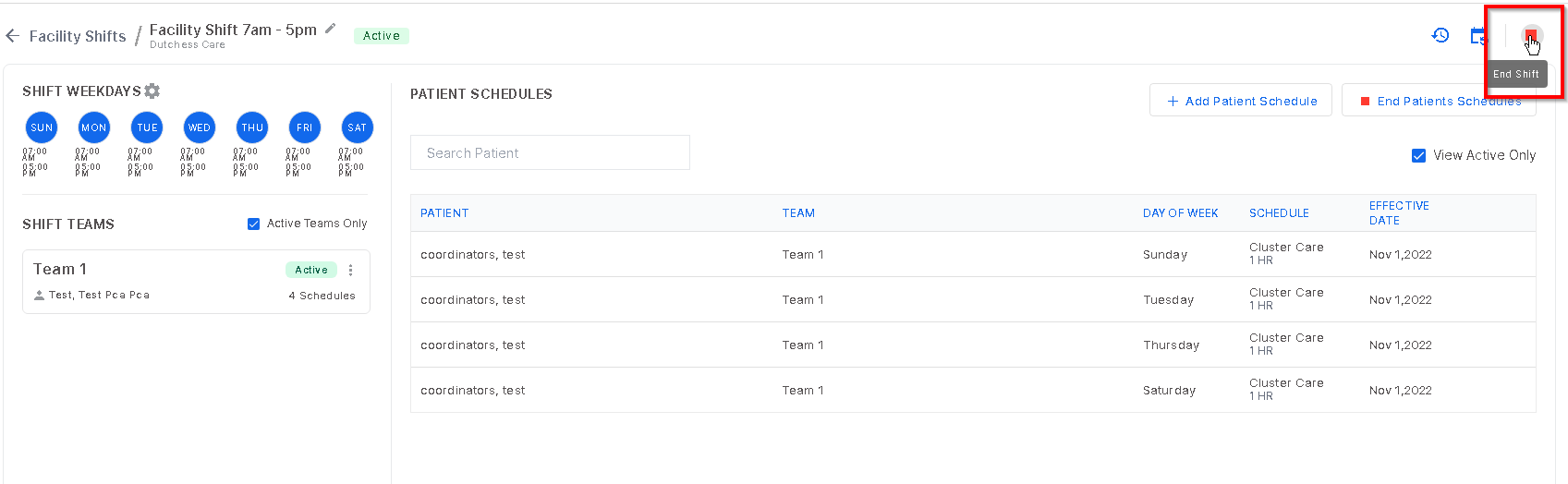
To end a facility shift, click the red square icon at the top left of the screen. This will end all patient schedules, teams and shift weekdays at once.
Enter the termination date and select "End Shift".
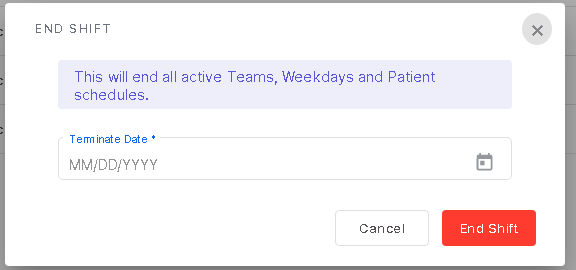
Please note: There is no way to undo this action. You would have to set up a new shift if needed.
Was this article helpful?
That’s Great!
Thank you for your feedback
Sorry! We couldn't be helpful
Thank you for your feedback
Feedback sent
We appreciate your effort and will try to fix the article