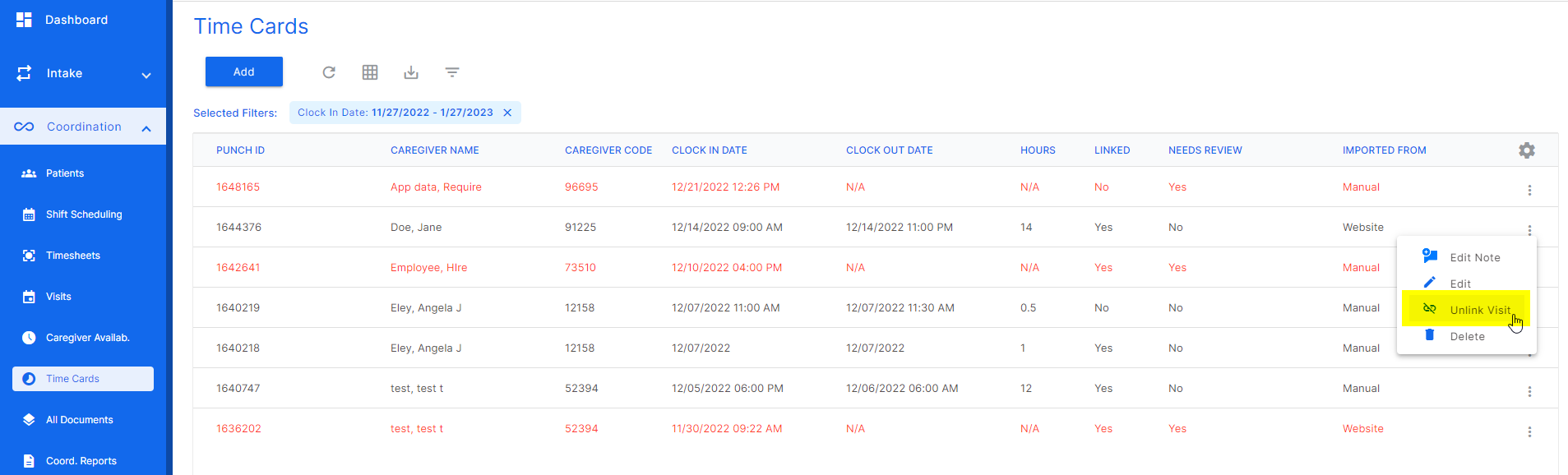
A timecard that matches the patient visit information will automatically link to the visit. In the case that the timecard needs to be unlinked, click the three dots at the end of the desired timecard row and select "unlink".
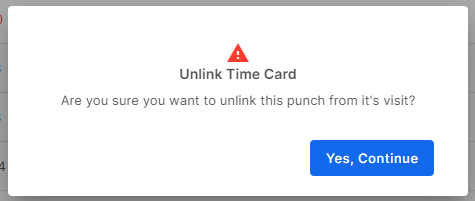
This screen will pop up asking if the user is sure they want to unlink the timecard from the visit.
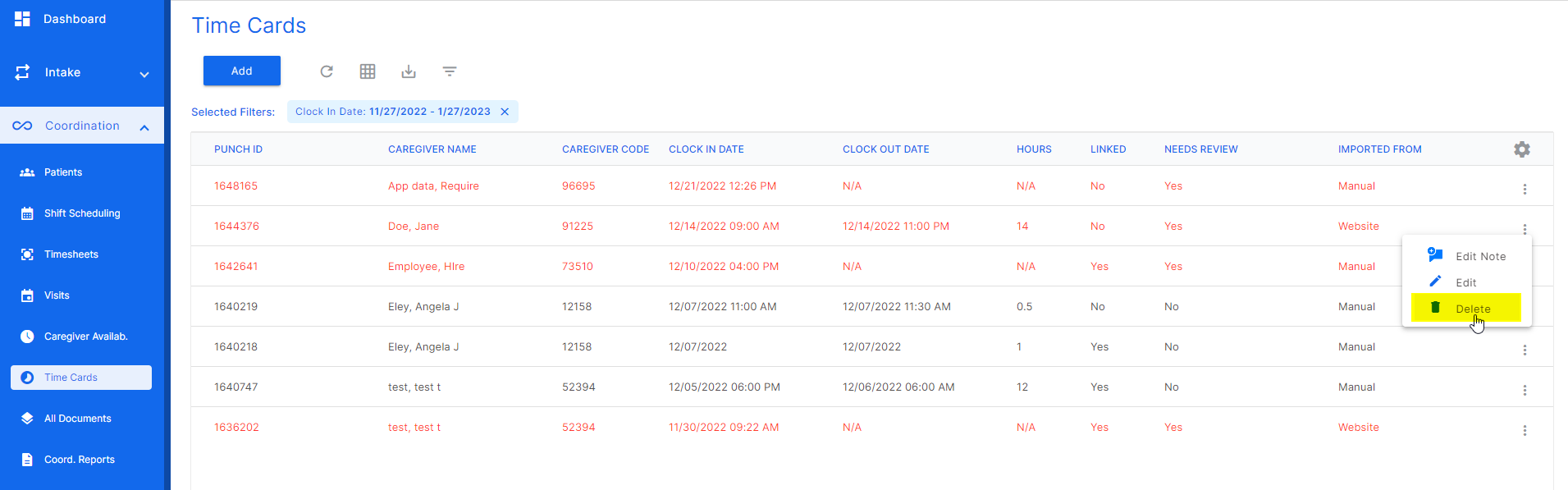
To delete a timecard, click the three dots at the end of the desired timecard row and click "delete".
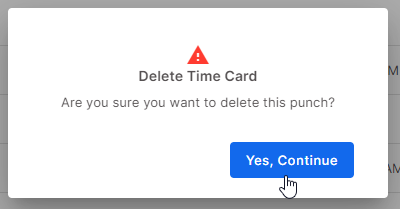
This screen will open asking the user if they are sure they want to delete the timecard.
Was this article helpful?
That’s Great!
Thank you for your feedback
Sorry! We couldn't be helpful
Thank you for your feedback
Feedback sent
We appreciate your effort and will try to fix the article