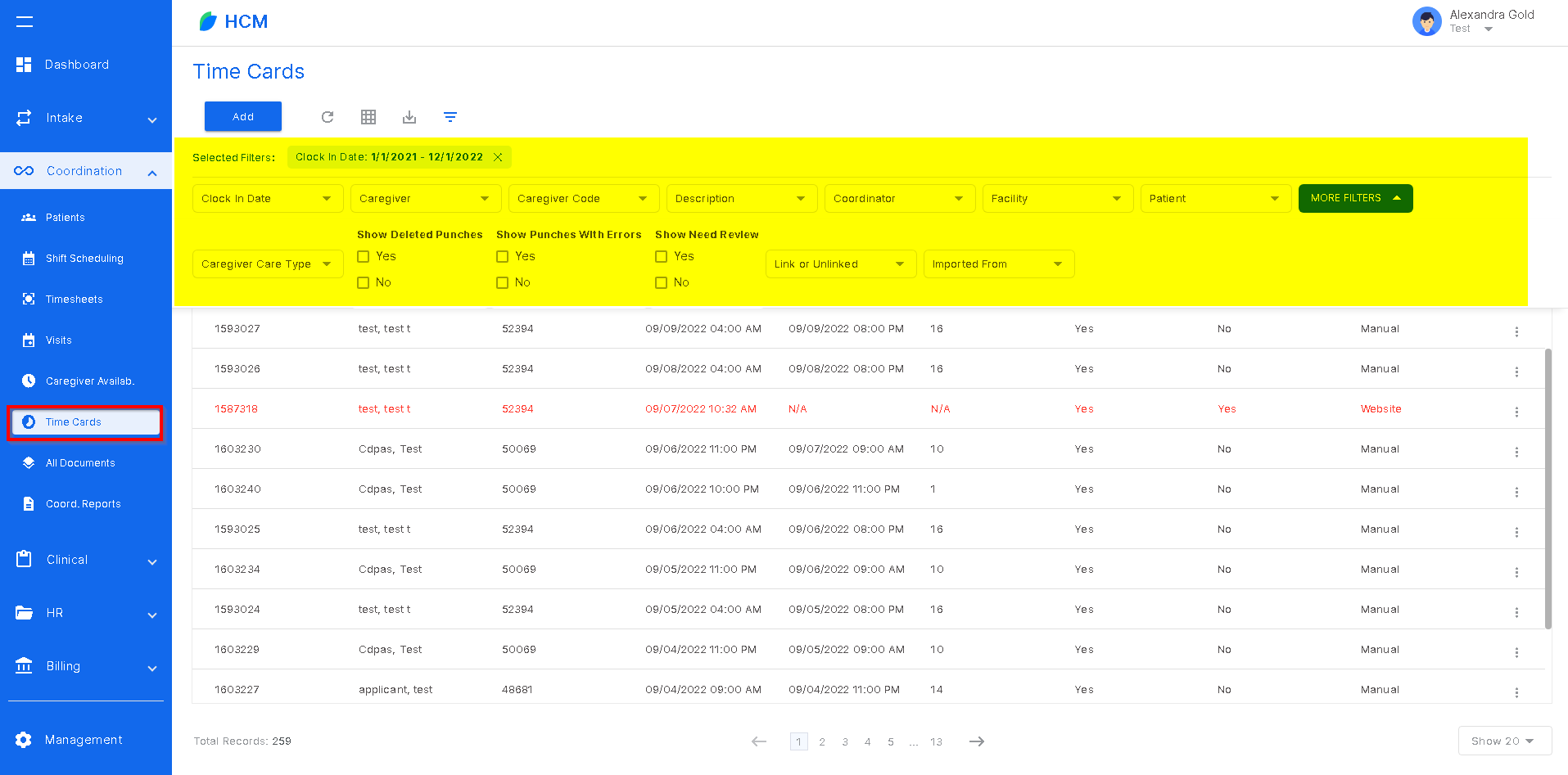
The timecards tab was created as a way to track and manage employee punches. In this section, users have the ability to run reports, review timecards that don't match the visit information, see whether the timecard is linked to a visit, add manual timecards that are missing and view the visit information the timecard is linked to. At the top of the screen there are filters to run reports on specific caregivers, coordinators, patients, facilities, car type and more to further refine the timecard report.
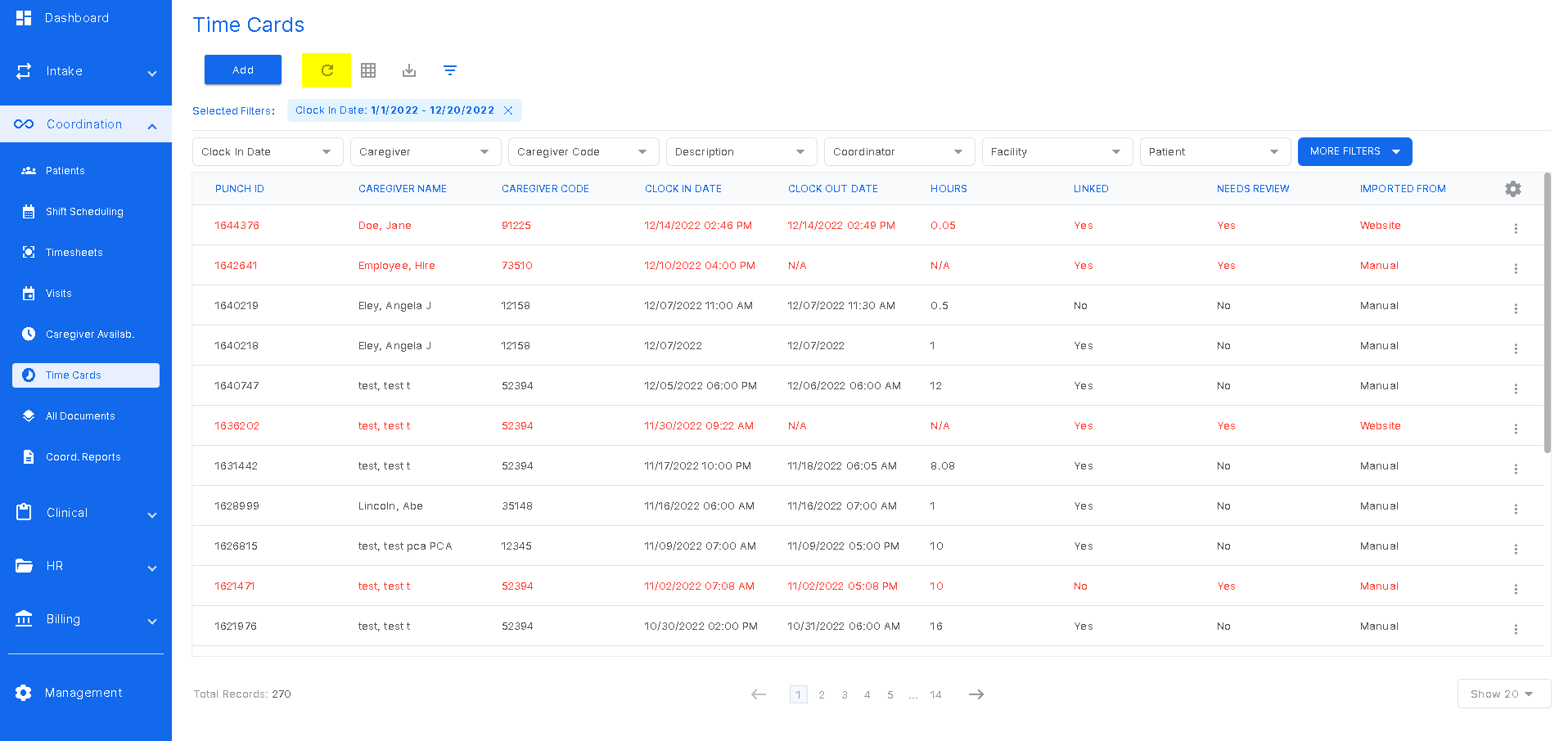
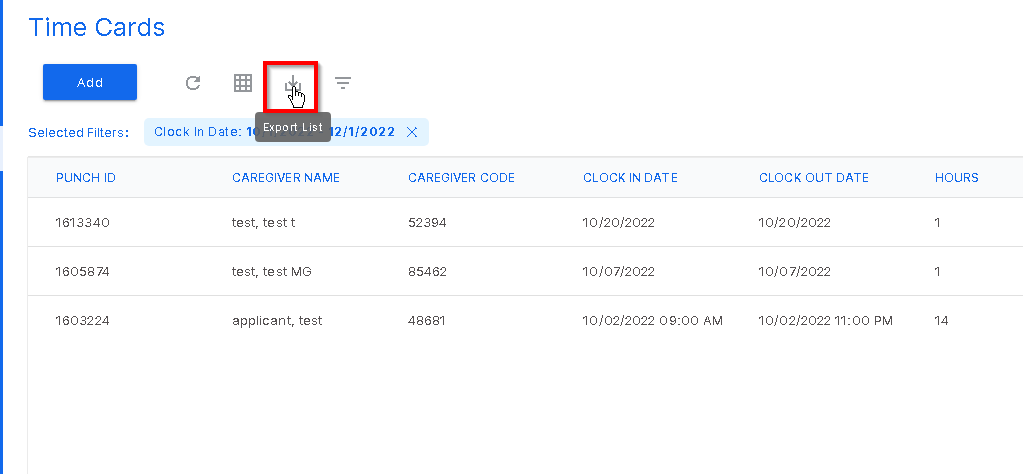
The icons above the filters are refresh, customize table, export, and filters hide or unhide. The refresh button will update any changes made.
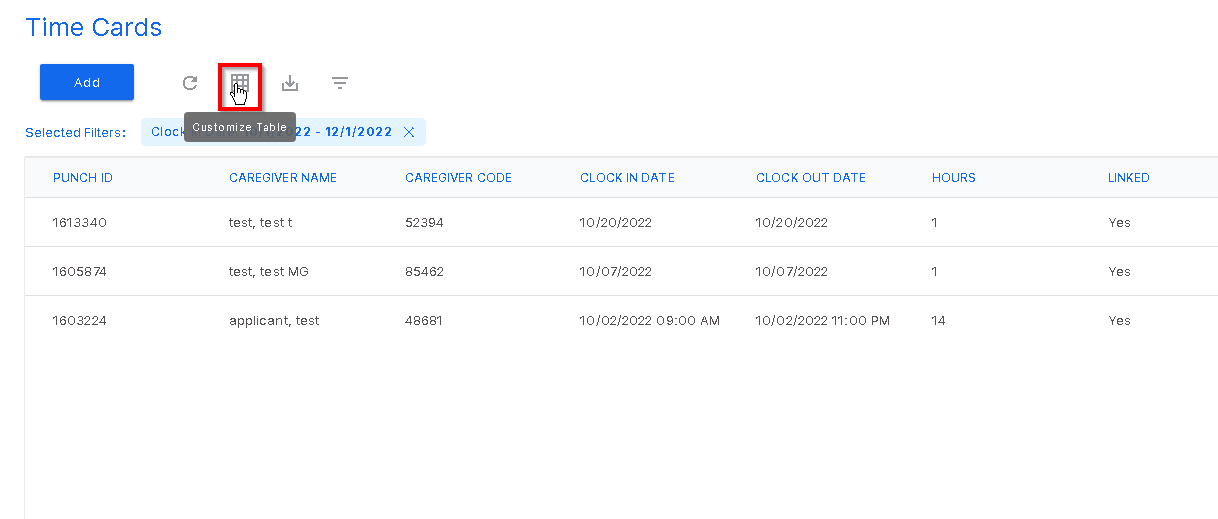
The second icon is the customize table. Clicking this icon will open a table of filters.
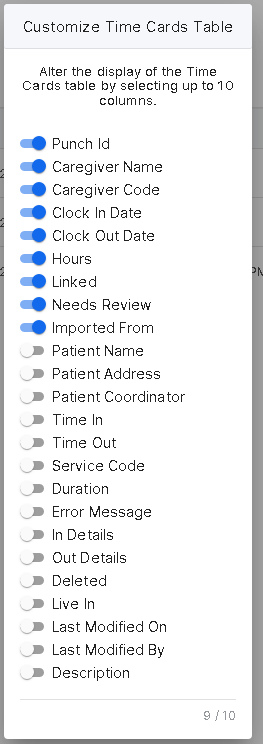
This table was created to alter the display of the timecards list. Clicking a toggle on will add that column to the list. Clicking a toggle off will remove that column from the list.
The next icon is the export icon. Clicking this icon will export the current list to an excel spreadsheet.
Was this article helpful?
That’s Great!
Thank you for your feedback
Sorry! We couldn't be helpful
Thank you for your feedback
Feedback sent
We appreciate your effort and will try to fix the article