- To add a service code to a contract, go to the insurance under the management section.
- The first tab will be Services which lists all the services under the contract.
- To add one, click on the Add button and follow the prompts.
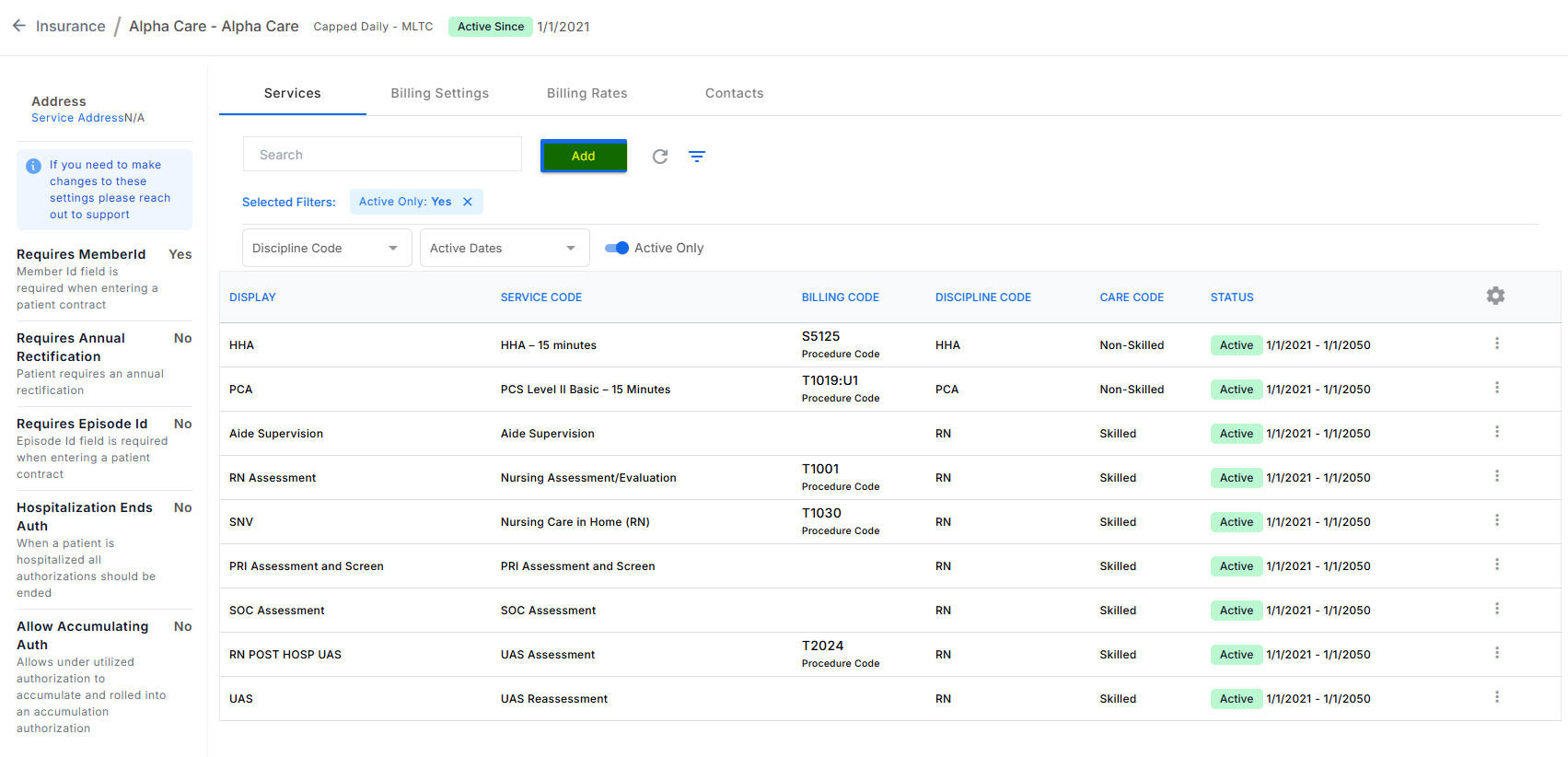
- This can be done by users with the add edit delete company insurance service codes permission.
Was this article helpful?
That’s Great!
Thank you for your feedback
Sorry! We couldn't be helpful
Thank you for your feedback
Feedback sent
We appreciate your effort and will try to fix the article