The Timesheets section helps users track and manage the aide duty sheets that are completed during patient visits. This section can be found under the Coordination tab. The top 4 filters are refresh, customize table, export, and filters list. There are multiple filters under the filters list icon to help refine the timesheets list that include patient name, visit date, status, etc.
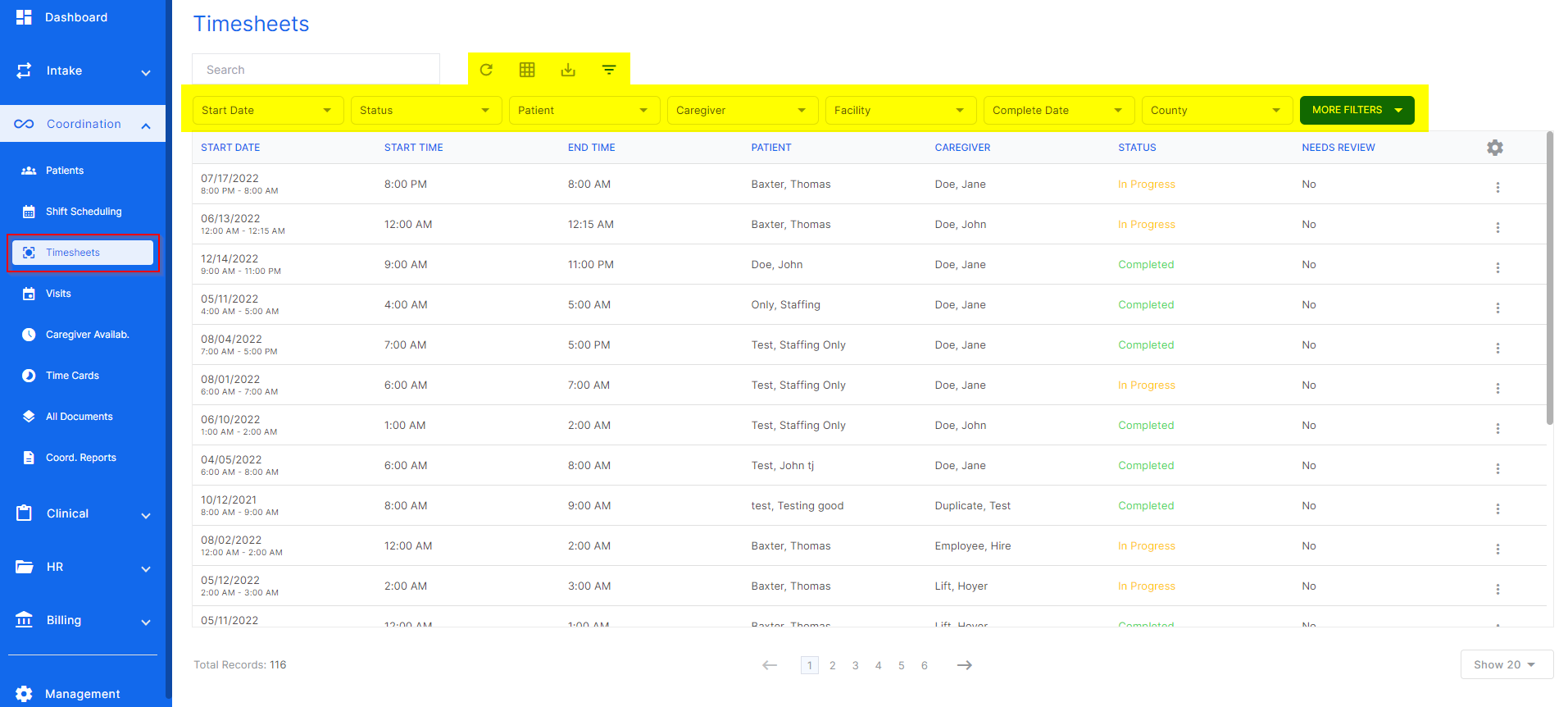
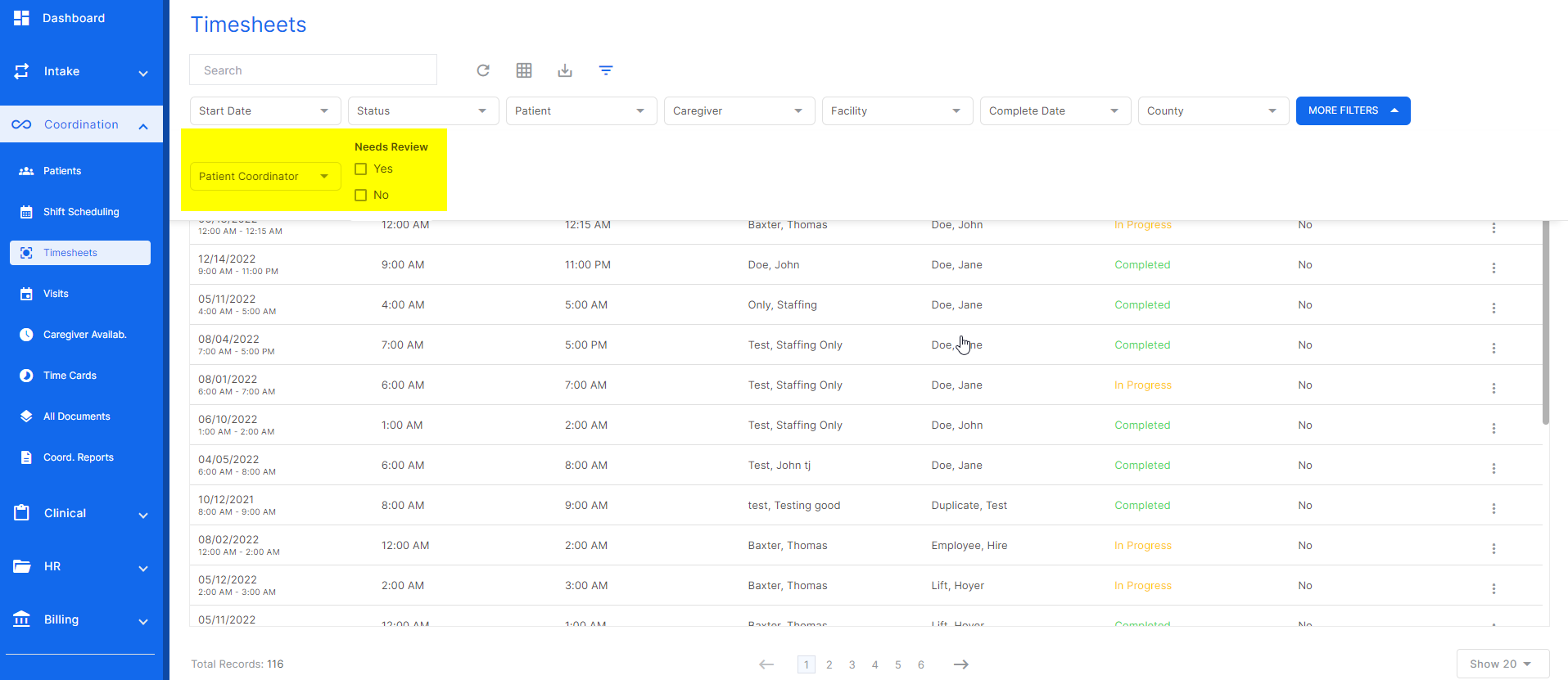
The "more filters" button reveals more filters to refine the search or report.
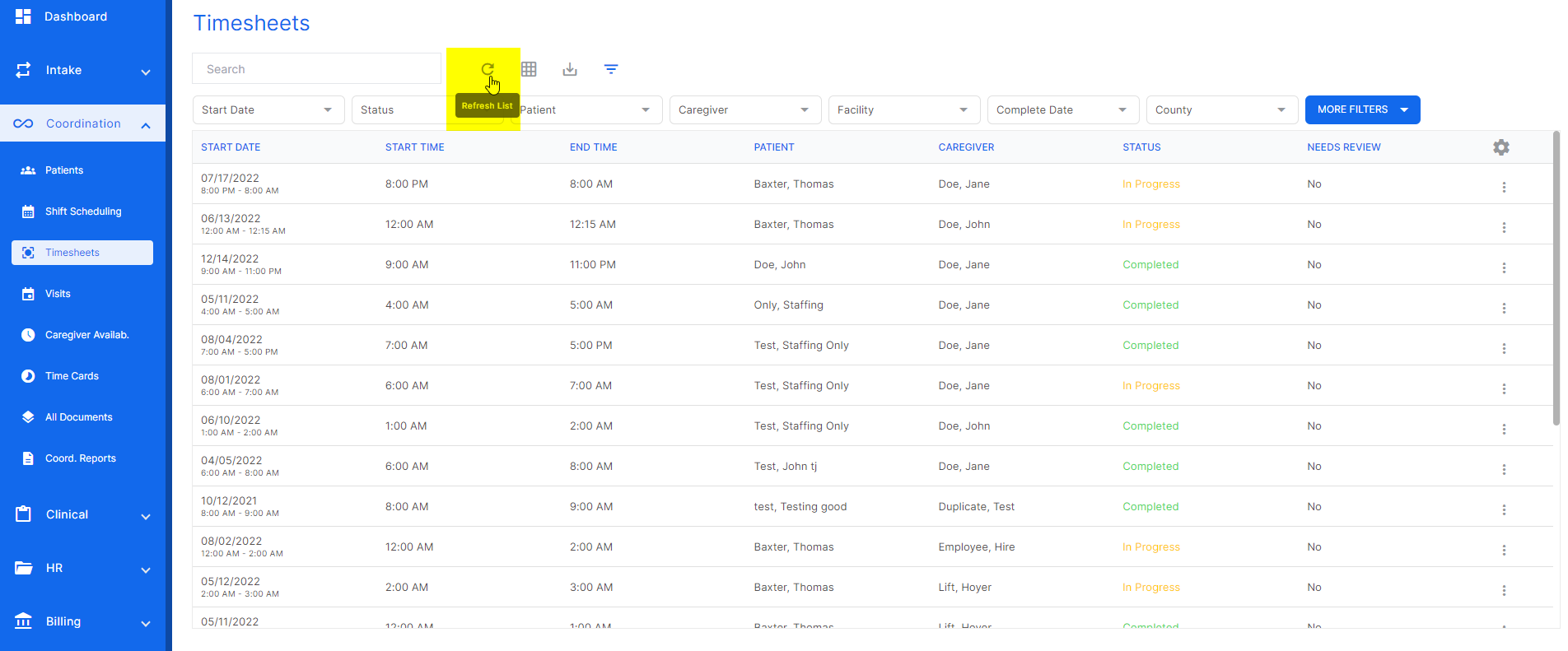
The refresh button will update any changes made.
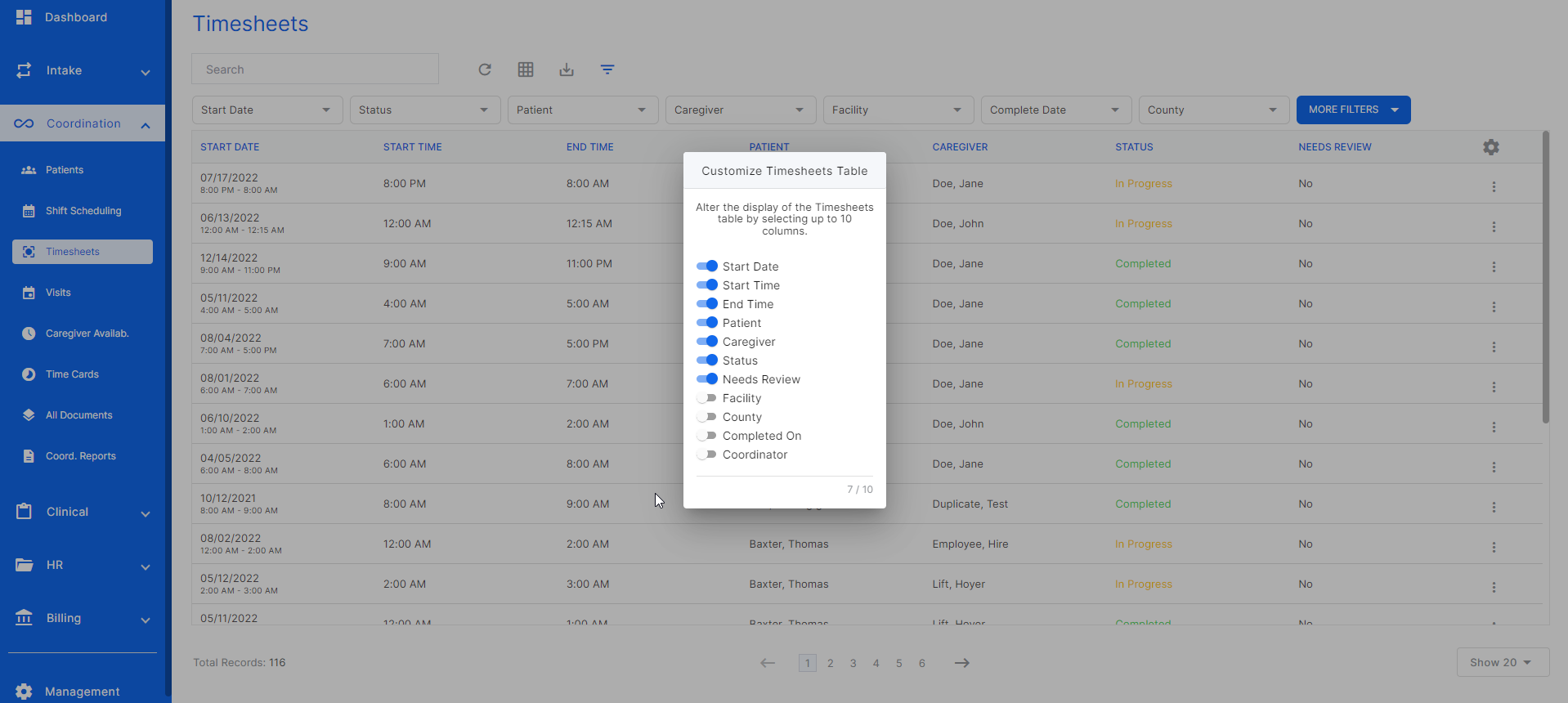
The customize table alters the view of the timsheets list.
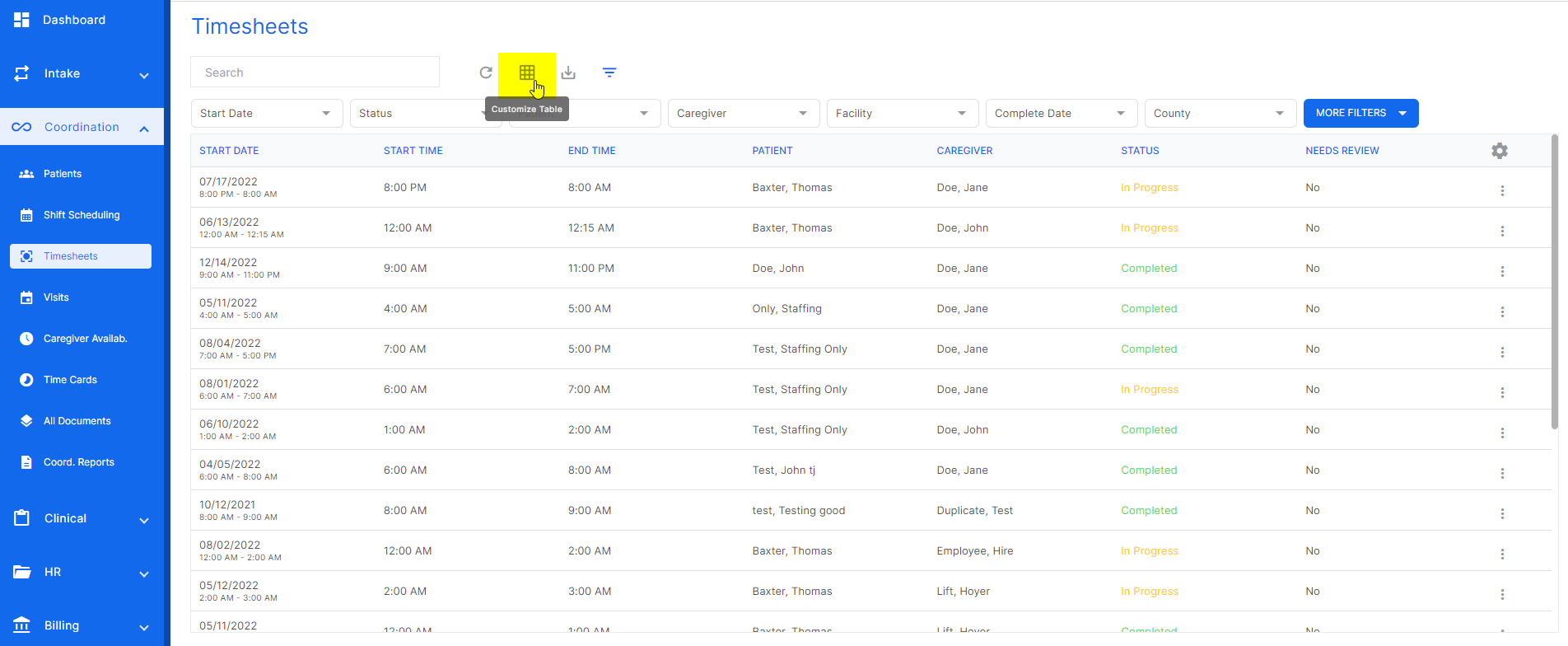
When this screen is open, select any toggle to add or remove columns on the timesheets list.
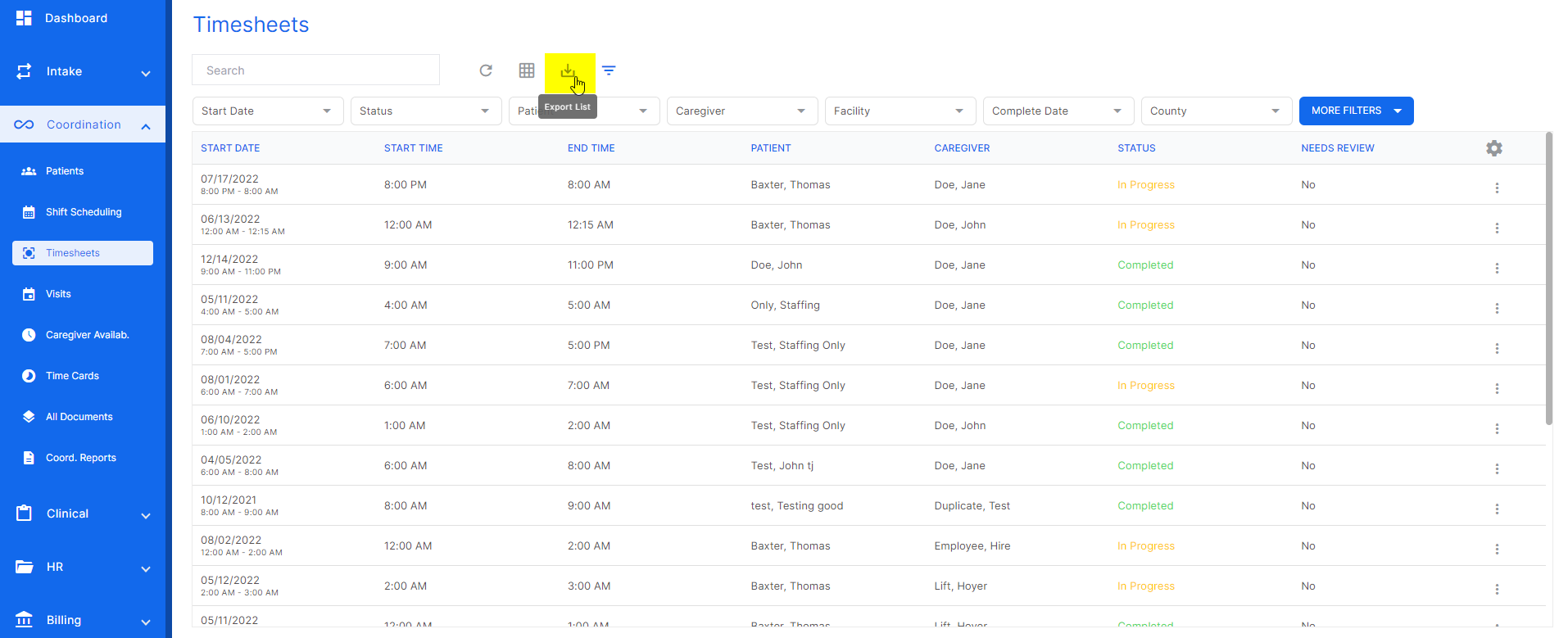
The export icon will take the current report and send it to an excel sheet.
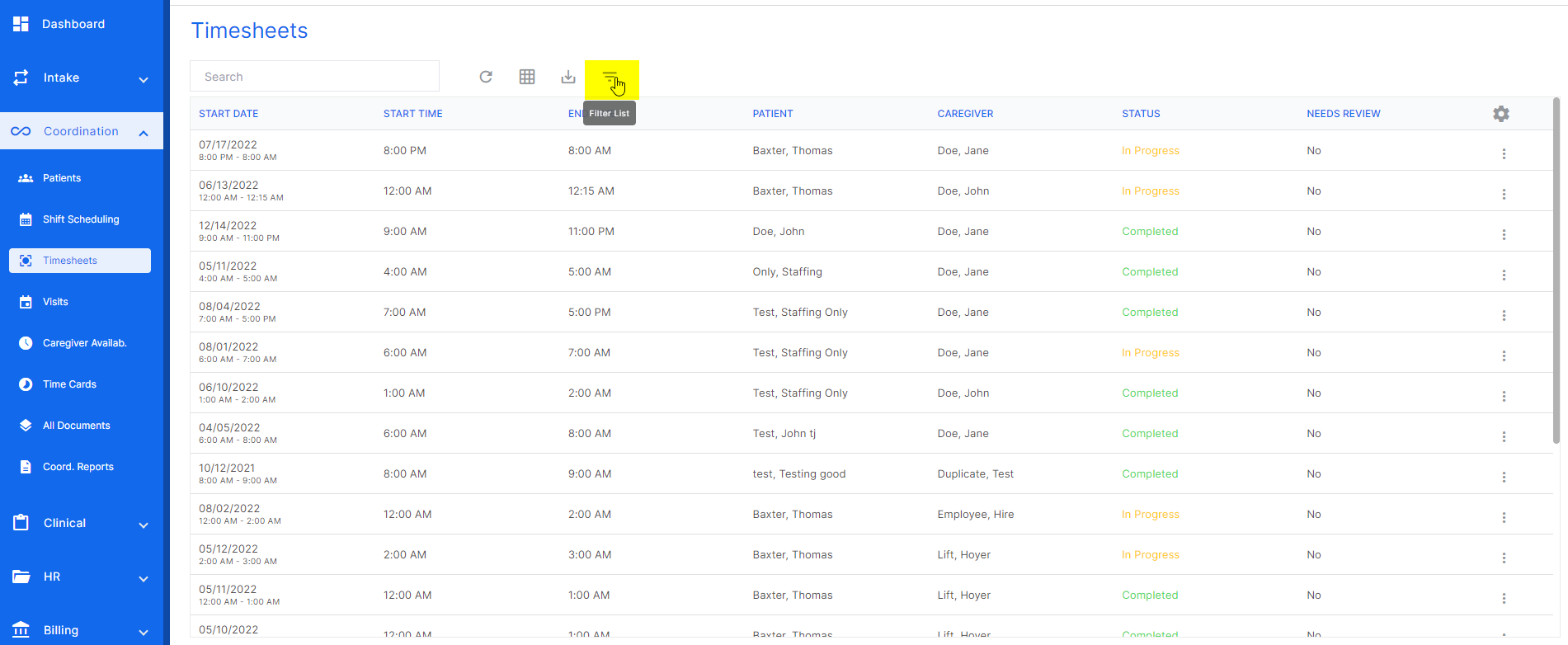
The filters list icon hides or unhides the filters.
Was this article helpful?
That’s Great!
Thank you for your feedback
Sorry! We couldn't be helpful
Thank you for your feedback
Feedback sent
We appreciate your effort and will try to fix the article